
Supported
ASTLIBRA Revision
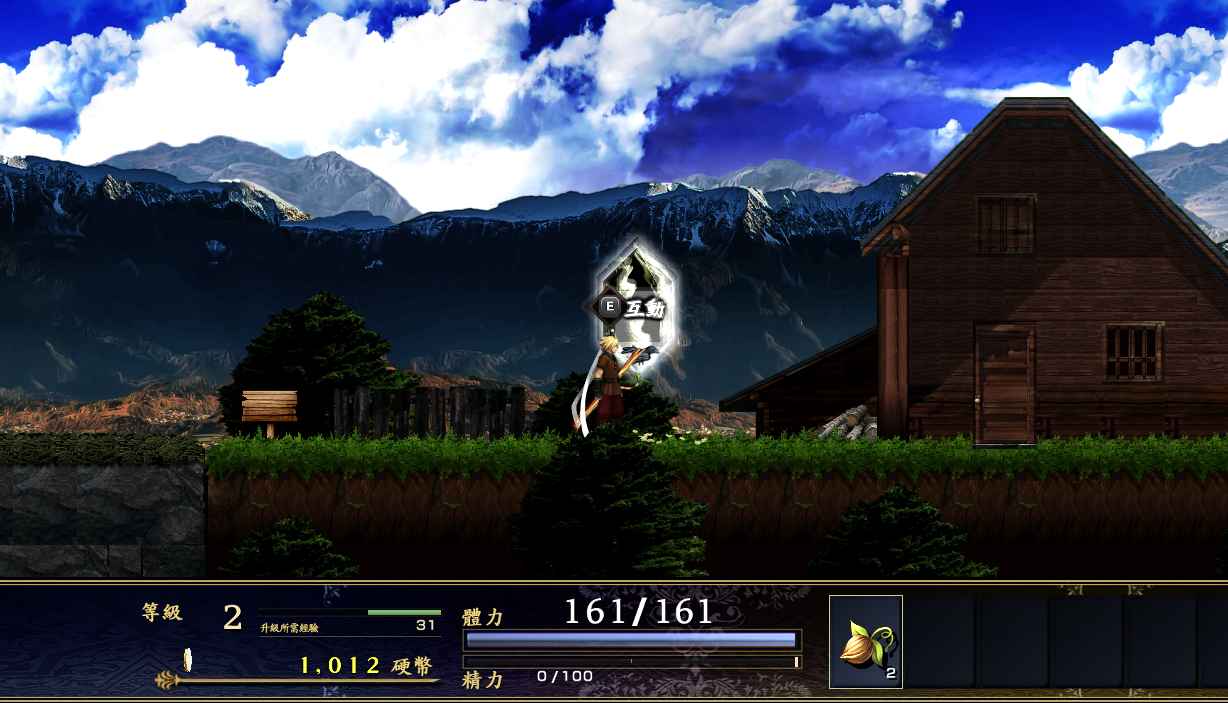
A 2D action RPG. Edit coins, six elemental Force balances, and verified inventory items.
Open a save file
Select this game’s save file to inspect and display editable values. The original file stays unchanged.
Or drop a save file anywhere on this page
ASTLIBRA Revision
What you can edit
The selected .DAT slot exposes gold, Force in six elements and quantities for catalogued items. If its slot number is unclear, locate the .DAT file changed when you saved in the game.
- Gold
- Six elemental Force balances
- 28 verified inventory items
In-game value caps are unverified. Avoid setting very large numbers.
Save location and how to apply edits
Find your save file
After saving in the game, choose the matching .DAT save file. For example, a slot may be named SAVE_0000.DAT; the number varies by slot. If you are unsure where it is, look for a .DAT file updated at the time of your save.
Use the edited save in the game
- Make a backup copy of the original save file.
- Close the game and place the downloaded edited file under the original save filename.
- Launch the game and load that save slot.