
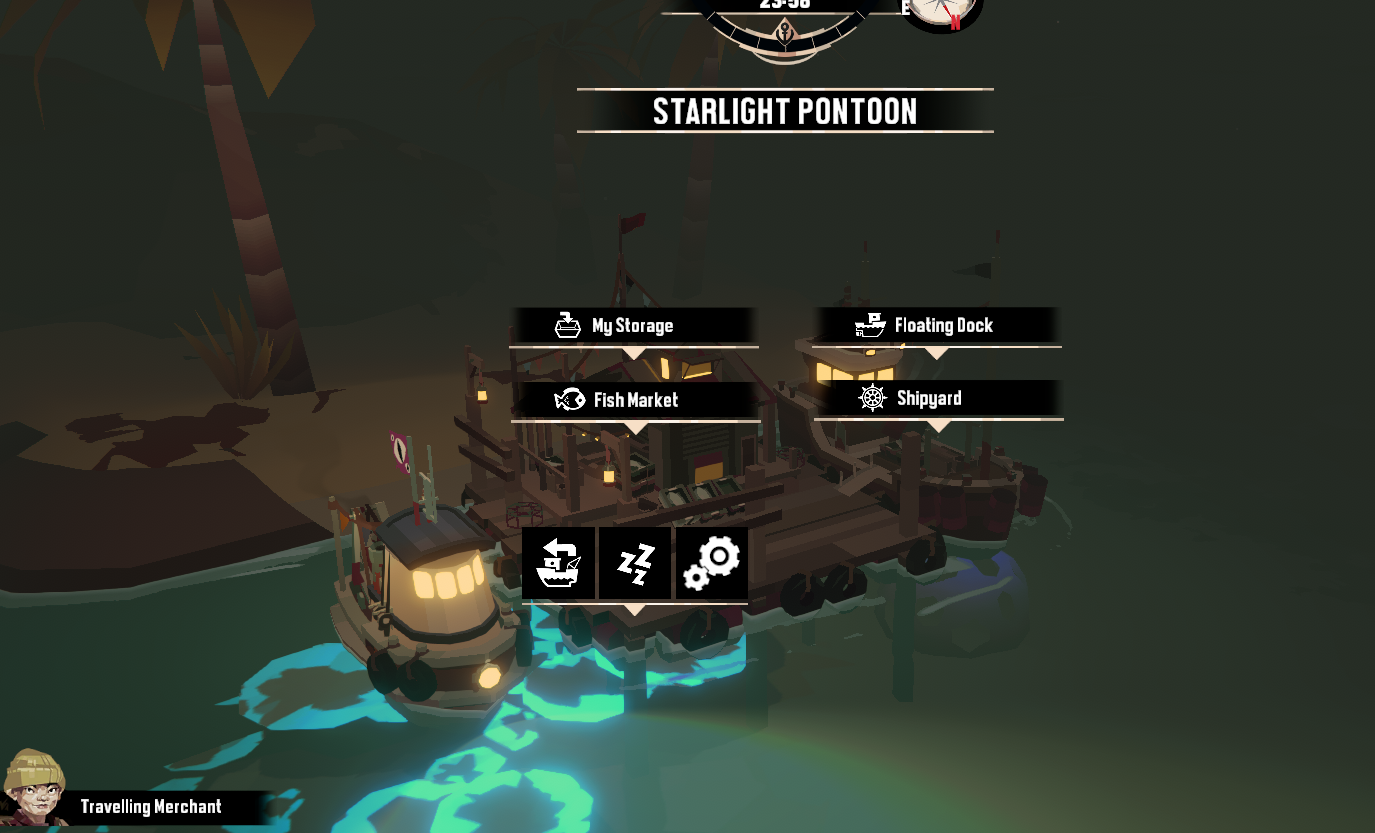
Supported
DREDGE
A fishing adventure at sea. Edit funds and add selected materials to storage.
Open a save file
Select this game’s save file to inspect and display editable values. The original file stays unchanged.
Or drop a save file anywhere on this page
DREDGE
Editable save data
The tool edits Funds in dredge-save*.bin and adds Research Parts, Lumber, Scrap, Cloth or Refined Metal to free storage cells. Material controls are omitted when the storage layout cannot be read.
- Funds (decimal values)
- Add to storage: Research Parts, Lumber, Scrap, Cloth, and Refined Metal
The in-game funds limit is unverified. Avoid unusually large values.
Save location and how to apply edits
Find your save file
Windows: choose the target file under %USERPROFILE%\AppData\LocalLow\Black Salt Games\DREDGE\saves\, such as dredge-save0.bin.
Use an edited save in the game
- Back up the original save file.
- Close the game, then put the edited file back in the save folder with the same slot filename.
- Start the game and load that slot.