
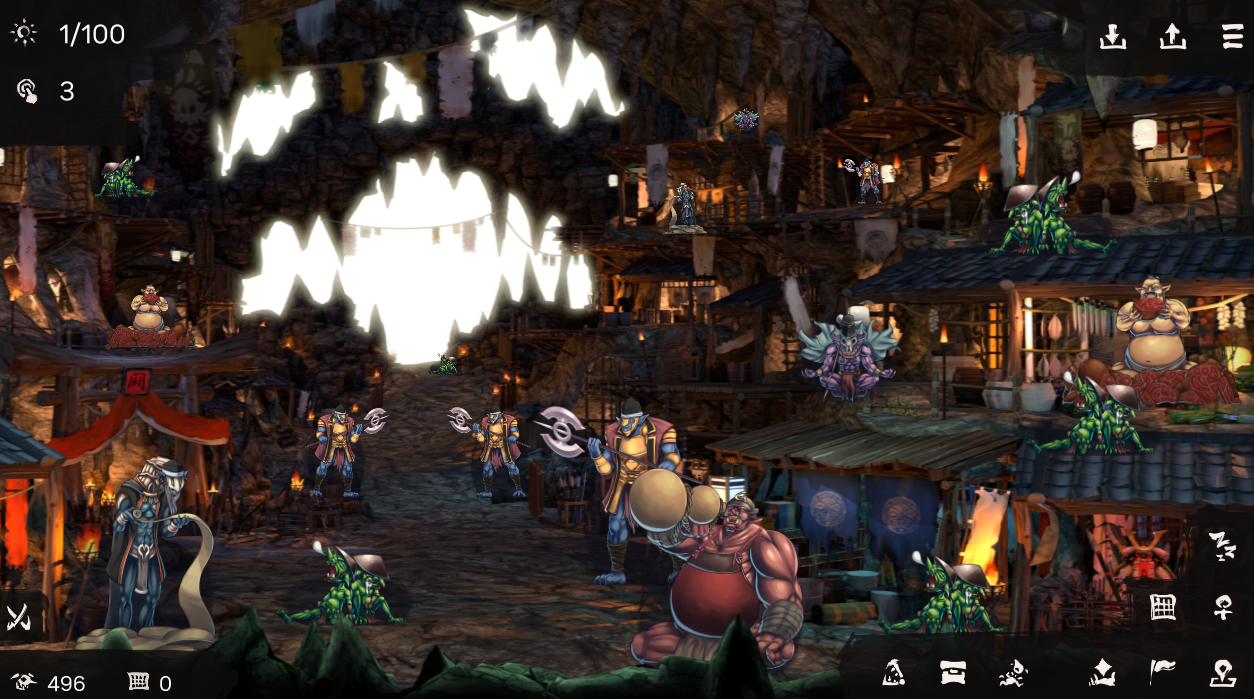
Supported
Goblin's Lair: Sengoku Gakidō
Edit owned item counts recorded in a save file.
Open a save file
Select this game’s save file to inspect and display editable values. The original file stays unchanged.
Or drop a save file anywhere on this page
Goblin's Lair: Sengoku Gakidō
Editable save data
This tool exposes only inventory quantities it can identify in the selected save. Money, character stats and other unsupported values are not presented as editable fields.
- Owned item counts
Save location and how to apply edits
Save file location
Select a supported save file from the game’s save folder.
Use the edited file in the game
- Copy the original save file elsewhere as a backup.
- Close the game, then replace the original file with the edited file using the original file name.
- Start the game and load the corresponding save.