
Supported
Interactive Mii [Touching Game / Real-Time Animation]
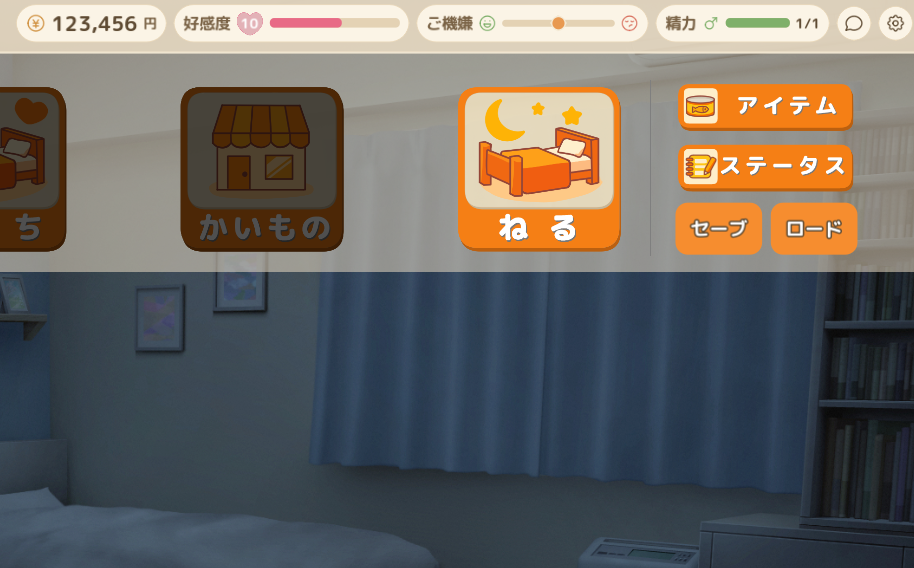
Edit money, affection level, and the affection gauge in a save file.
Open a save file
Select this game’s save file to inspect and display editable values. The original file stays unchanged.
Or drop a save file anywhere on this page
Interactive Mii [Touching Game / Real-Time Animation]
What you can edit
Edit money, affection level, and the affection gauge.
- Money
- Affection level and gauge
Save location and how to apply edits
Find your save file
Choose save_1.json through save_5.json, or save_auto.json, from the game folder’s save/ directory.
Use the edited save in the game
- Make a backup copy of the original save file.
- Close the game and put the downloaded file back in the game folder’s save/ directory with its original filename.
- Launch the game and load that save slot.