
Supported
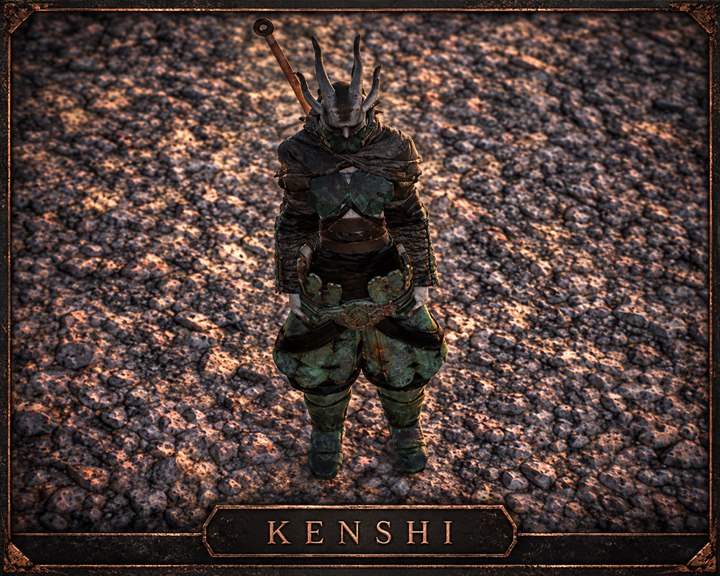
Kenshi
Edit Cats and player squad skills, or add selected equipment to a save.
Open a save file
Select this game’s save file to inspect and display editable values. The original file stays unchanged.
Or drop a save file anywhere on this page
Kenshi
What you can edit
Select quick.save first to identify the player faction and edit Cats. Then open that faction’s .platoon to edit squad character skills or add one item to an available inventory; the files are handled separately.
- Cats
- Player squad character skills
- Add one selected piece of equipment to a squad inventory
Add one item per download. Free a squad member’s main inventory before saving.
Save location and how to apply edits
Find your save file
In a save folder under %LOCALAPPDATA%/kenshi/save/, select quick.save first to identify your player faction and edit Cats. Then select that faction’s .platoon file in platoon/ to edit character skills and equipment.
Use the edited save in the game
- Make a backup copy of the original save file.
- Close the game and place the downloaded file back in its original folder under its original name.
- Launch the game and load that save slot.