
Supported
Lifeguard Holic
Edit the money, popularity, and each item quantity shown in the item list.
Open a save file
Select this game’s save file to inspect and display editable values. The original file stays unchanged.
Or drop a save file anywhere on this page
Lifeguard Holic
Editable save data
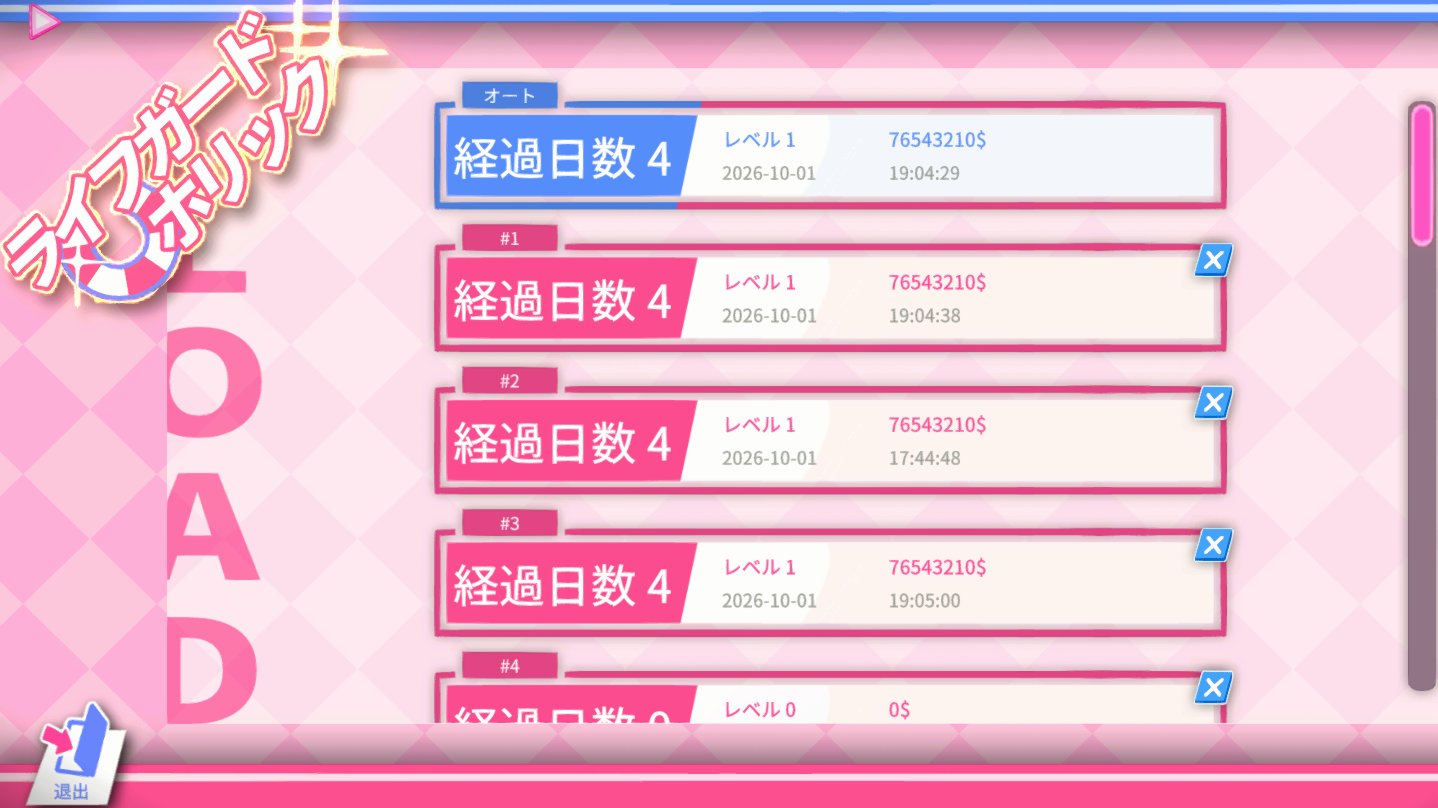
The editor reads money, popularity and saved item counts from GameQuickSaveNNN.json or GameSaveNNN.json. Quick saves and normal saves are processed one file at a time.
- Money
- Popularity
- Item list quantities
Save location and how to apply edits
Save file location
The default save files are GameQuickSaveNNN.json or GameSaveNNN.json in %USERPROFILE%\AppData\LocalLow\BigSStudio\Lifeguard Holic\Saves.
Use the edited save
- Back up the original GameQuickSave or GameSave file to another location.
- Close the game and replace the matching GameQuickSave or GameSave file with the edited file.
- Start the game and load the corresponding save.