
Supported
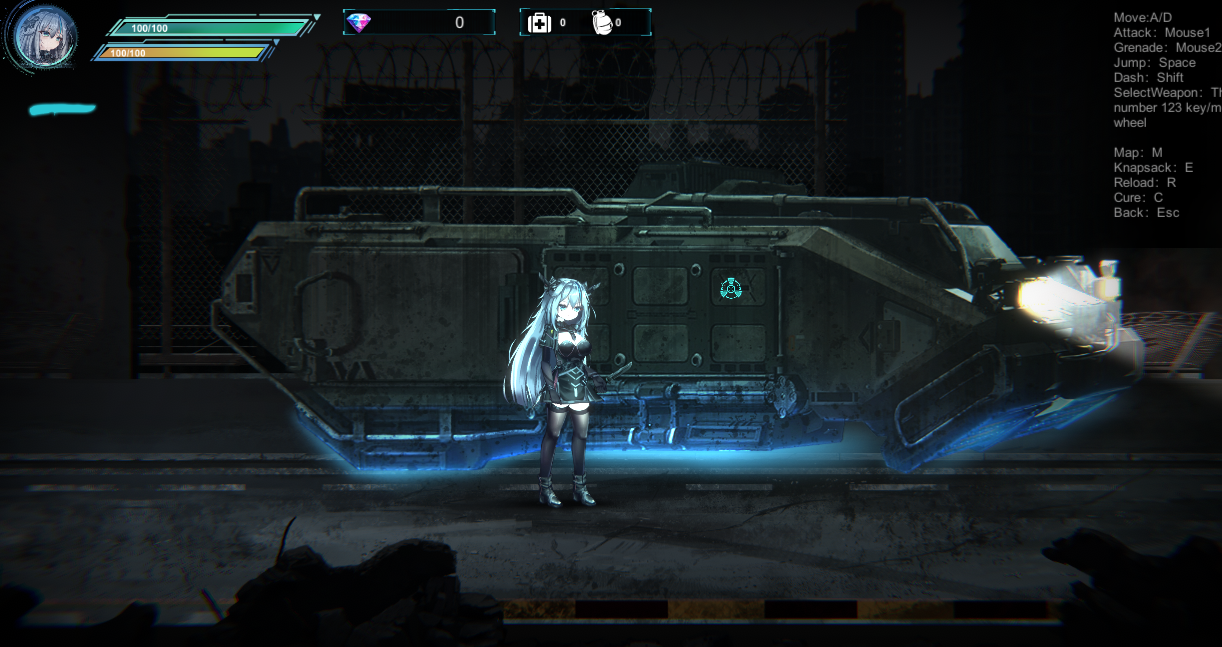
Symbiont Zero
Edit coins in a numbered save file or unlock the gallery entries.
Open a save file
Select this game’s save file to inspect and display editable values. The original file stays unchanged.
Or drop a save file anywhere on this page
Symbiont Zero
Editable save data
Coins live in Save_location_data_N.sav, while gallery entries live in Animation_data.sav. Select the file for the data you want; the tool edits only fields from that file.
- Coins in a numbered save file
- Gallery entries
Save location and how to apply edits
Choose a save file
Choose Save_location_data_N.sav to edit coins, or Animation_data.sav to unlock gallery entries. Edit one file at a time.
Use the edited file in the game
- Back up the selected original file somewhere else.
- Close the game and replace the file with the edited copy, keeping the same filename.
- Start the game and load the save data.